How image-to-embroidery conversion works
An embroidery machine can't read a normal image. A PNG or JPG is a grid of pixels; the machine needs a stitch file, a sequence of needle movements, colour changes and trims. Getting from one to the other is called digitizing.
Embify automates the whole pipeline: it traces your image into clean vector shapes, removes the background, chooses stitch types (fills, satin edges, underlay), plans the stitch order to minimise jumps and trims, and writes the file in your machine's format. What a manual digitizer does in hours happens in about a minute.

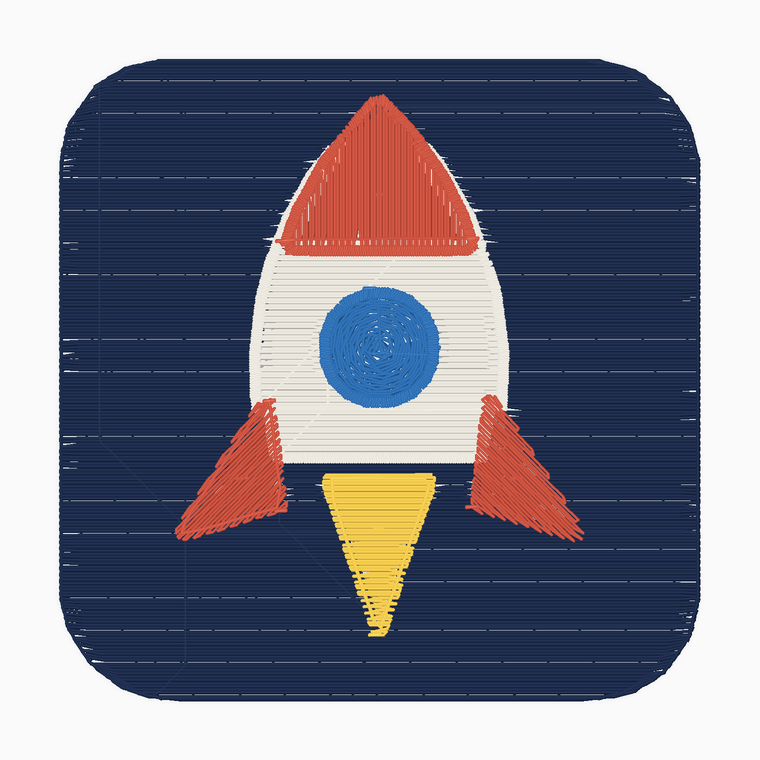
What kind of images convert well?
Logos, badges, mascots, lettering and flat illustrations convert best. Bold shapes and a handful of solid colours. Photos and soft airbrushed art are the hardest case for any embroidery process, because thread can't reproduce gradients; Embify flattens them to solid thread colours and shows you the result before you commit.
PNG or JPG
Traced to clean vector shapes automatically, with the background removed.
SVG
Used directly. The cleanest input if your designer can supply one.
Small images
Low-resolution pictures are upscaled and smoothed before tracing.
Check it will actually sew before you download
The biggest risk with converted artwork is finding problems at the machine: filled-in letter counters, hairline details that snap thread, too many colour changes. Embify shows a realistic 3D sew-out preview and a readiness score first, flags thin details and heavy colour counts, and lets you fix the size or simplify colours before a single stitch is sewn.
Common questions
Can I convert a photo to embroidery?
Yes, but expect simplification: embroidery can't do gradients, so photos are flattened to a small set of solid thread colours. Logos and flat artwork give the cleanest results.
What formats can I download?
PES (Brother/Baby Lock), DST (Tajima and most commercial machines), JEF (Janome), EXP (Melco/Bernina) and XXX (Singer), all from the same conversion.
Do I need to install software?
No. Everything runs in your browser. Upload, preview, download. Nothing to install and it works on Mac, Windows and Chromebook.
How big should my image be?
Bigger is better, but Embify automatically upscales and smooths small images before tracing. A clean logo at 500px or more converts very well.