What is the Embify studio?
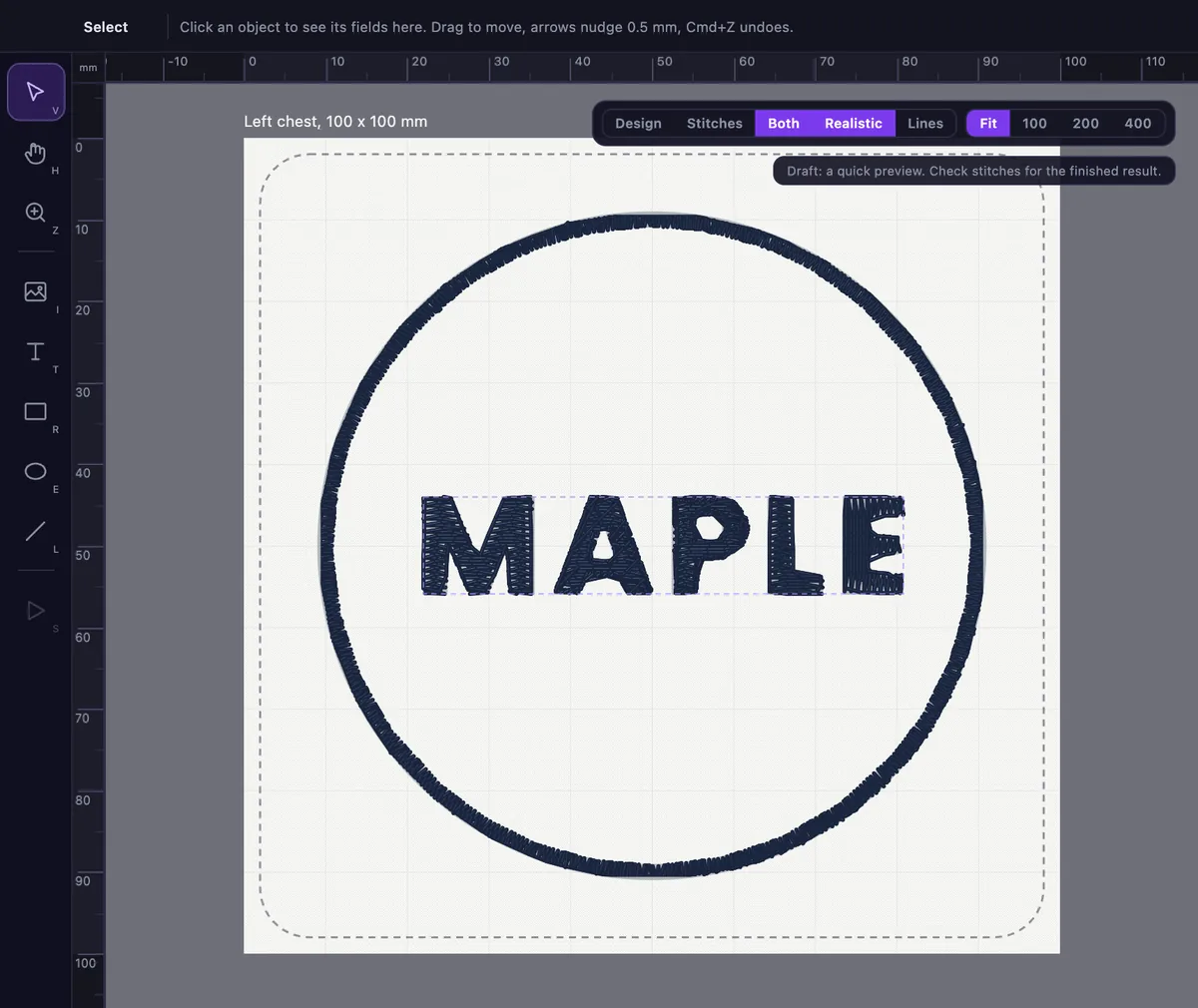
The Embify studio is a design canvas for machine embroidery that runs in your browser. You place shapes, text and artwork on a board that matches your real hoop or garment size, see the stitches drawn under your design, run a Check, and export machine files.
Is the studio free to use?
It is free to try. You can open the studio and lay out a design without an account. A free account shows the stitches and runs the Check. Downloading machine files is paid, either as a one-off download or inside a monthly plan, and the prices are in the pricing section of the home page.
What can I put on the board?
Rectangles, ellipses, lines, text and your own artwork. You can import a logo as an SVG, PNG or JPG. You can move, resize and rotate anything, and change the colour of shapes and text.
What is the difference between a Draft and a Check?
A Draft is the quick set of stitches the studio draws while you edit. It keeps up with you, but it can look rougher than the finished result, and the studio says so on screen. A Check runs the full quality repair on your design before export, so the stitches you download are the checked ones.
Which machine file formats can I export?
PES, DST, JEF, EXP, XXX and VP3. They cover Brother, Baby Lock, Janome, Tajima, Melco, Pfaff, Husqvarna Viking, Singer and most other machines.
Do I need to install anything?
No. The studio runs in your web browser. It is built for a computer screen. On a phone, the classic converter gives you a free preview of a logo.
What happened to the classic converter?
It is still available. Use it when you want to upload one logo and have Embify digitize it in one go. The classic converter also plays a stitch-out simulation of the exact sew order.