Three ways to start
Upload a logo or picture
PNG, JPG or SVG. Embify traces it, removes the background and digitizes it.
Type your words
Names, slogans and monograms, sized in millimetres.
Build a design
Put logos, words and shapes together on the studio board.
Change an old file
Open a DST, PES, JEF or EXP to resize it or save it for another machine.
How it works
- Upload or typeStart from your artwork or your words.
- Pick the size and placementLeft chest, cap front, sleeve or a custom size in millimetres.
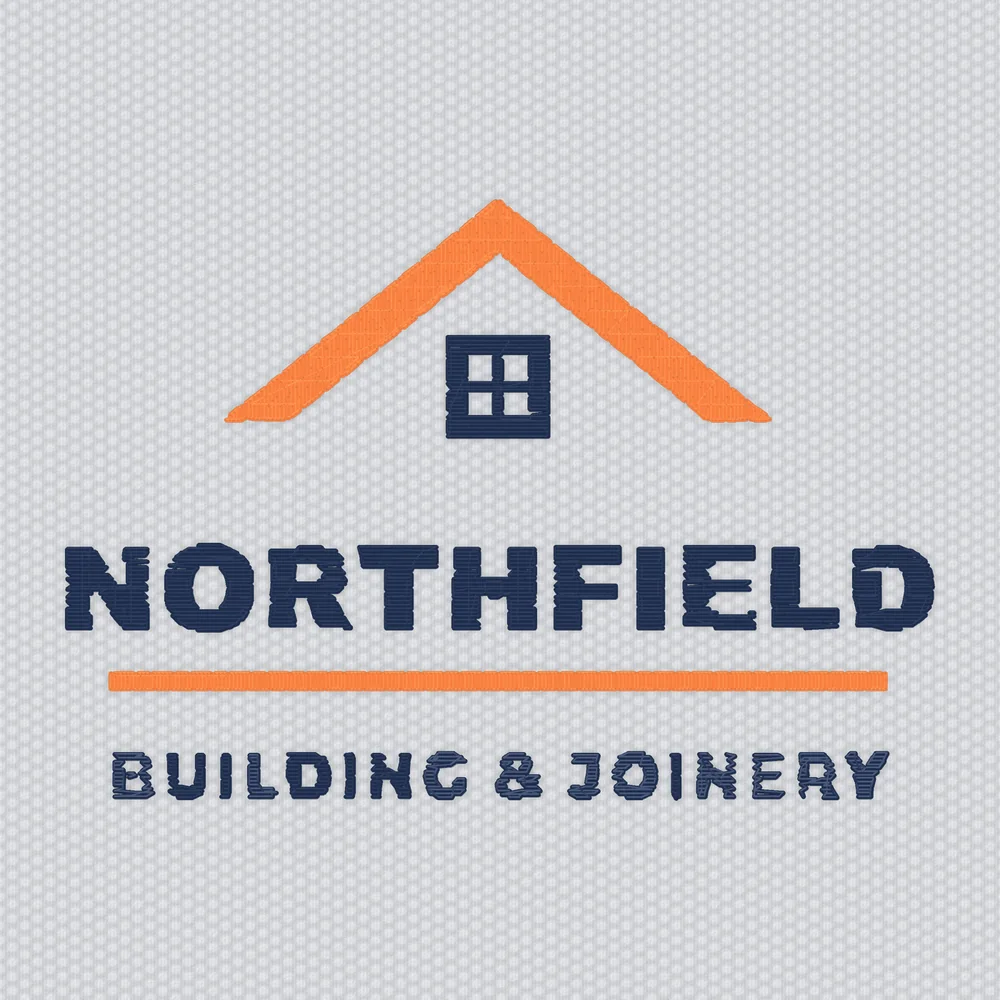
- Check the stitchesSee the sew-out, the thread colours and the Sew Score.
- DownloadChoose your machine's format. £5 per file, or use a plan.
Which file does my machine need?
| Your machine | File to download |
|---|---|
| Brother, Baby Lock | PES |
| Janome, Elna | JEF |
| Tajima and most commercial machines | DST |
| Bernina, Melco | EXP |
| Pfaff, Husqvarna Viking | VP3 (top models also read DST) |
| Singer SE9150 to SE9185 | VP3 |
| Singer Legacy SE300, SE340 | XXX |
Not sure? Look your model up on the machine format page. Embify can give you several formats of the same design at once.
What makes a file sew well
- Size: keep letters at least 4.5 mm tall, or 6 mm for lowercase.
- Colours: fewer, flat colours sew cleaner than gradients.
- Lines: very thin lines disappear in thread; thicken them or leave them out.
- Fabric: pick the fabric so underlay and density suit it.
Common questions
How do I make my own embroidery file?
Upload your logo or type your words at Embify, check the sew-out preview, then download the format your machine uses.
Can I make an embroidery file for free?
The digitizing and the sew-out preview are free at Embify; the file is £5. Ink/Stitch is free, but you digitize by hand.
What software do I need to make an embroidery file?
None if you use Embify: it runs in your browser on a Mac, PC, tablet or phone.
Can I make an embroidery file from a photo?
Not on Embify yet: photos can't be digitized, and Embify tells you straight away if you add one. Photo support is coming later this year. Logos and drawings with clear shapes work best.
How long does it take?
Most logos are ready in under a minute.
Can I make a PES file on a Mac?
Yes. Embify makes PES and every other format in Safari or Chrome.
How small can embroidered text be?
4.5 mm tall for bold capitals, about 6 mm for lowercase and about 8 mm for script. Smaller text tends to break up.
Sources
Every outside fact on this page was checked on 23 Oct 2026.