The digitizing bottleneck every workwear business knows
A customer sends over their logo and asks for a price on 40 polos and 20 caps. Before you can sew a single sample, the logo has to be digitized. If that means emailing it to an outside service, you're paying £15 to £40 per version, waiting a day or more for each file, and paying again when the customer tweaks the artwork or adds jackets to the order.
Meanwhile the customer is getting quotes from three other suppliers. The one who can show a sew-out first usually wins the contract.
What changes when digitizing happens at your desk
With Embify, the logo goes from the customer's email to a machine-ready file while they're still on the phone. Upload the artwork, check the realistic 3D sew-out preview, and download the stitch file. The whole loop takes about a minute.
Quote the same day
Digitize while the customer is still on the phone, and send them the preview image with the quote.
No digitizing invoices
Plans start at £29 a month for 10 conversions, £2.90 each, instead of £15 to £40 per version from an outside service.
Free resizes for 30 days
Once a logo is paid for, resize it, recolour it or download it in another format free for 30 days. A new or changed logo uses one conversion.
No new software to learn
It runs in the browser, and the engine makes the stitch decisions a digitizer would.
What does digitizing cost you now?
Put in a normal month. The calculator compares what an outside digitizer charges with the cheapest way to do the same work on Embify, using the prices on our pricing page.
Embify uses one download for each new or changed logo. Extra sizes and formats of a logo you have paid for in the last 30 days are free. Plan downloads reset each month, and any over the plan cost the £5 single-file price. Prices from our pricing page.
One logo, every garment on the order
A uniform contract is rarely one file. The same logo has to sew on a polo left chest, a cap front, maybe a fleece and a jacket back, and each of those needs its own digitization at its own size, not a scaled copy. Embify works in real millimetres and re-digitizes properly at each size, with fabric presets for piqué, fleece, caps, denim and stretch performance shells.
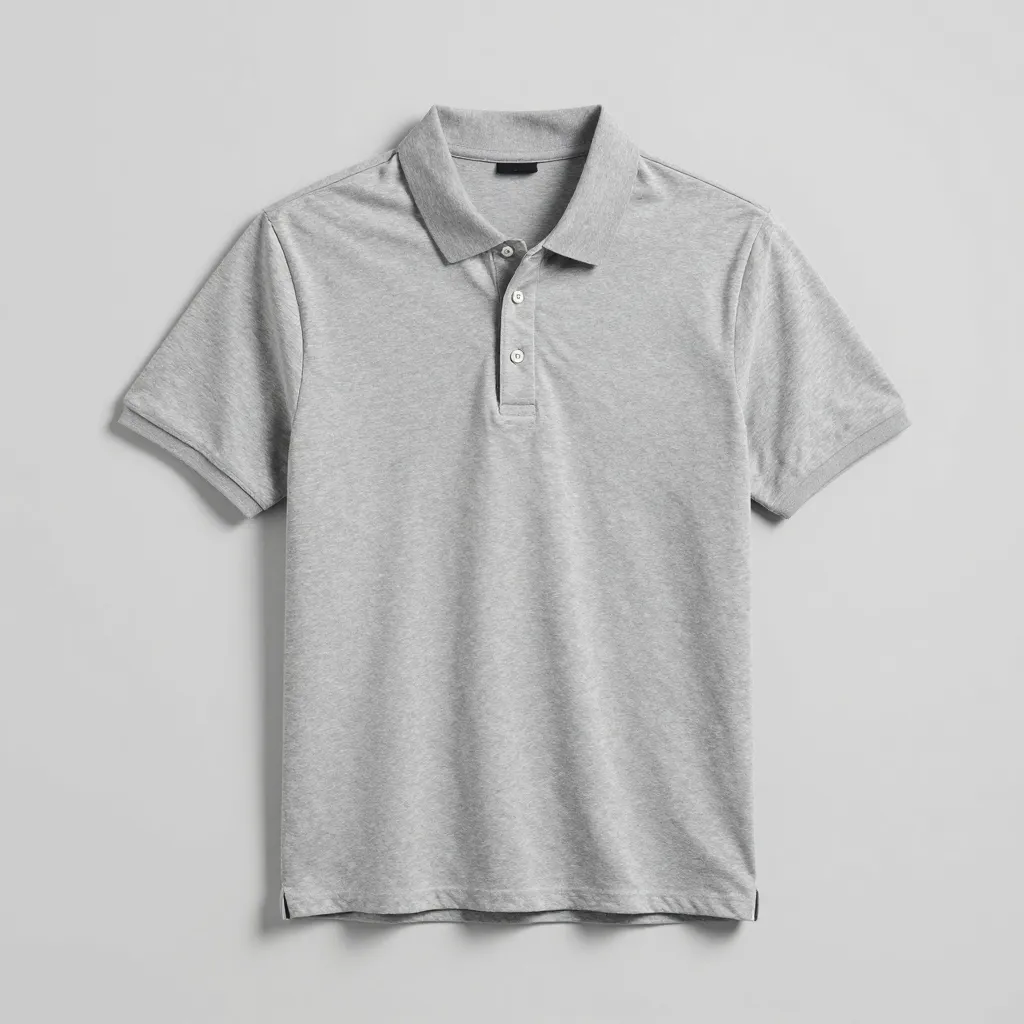
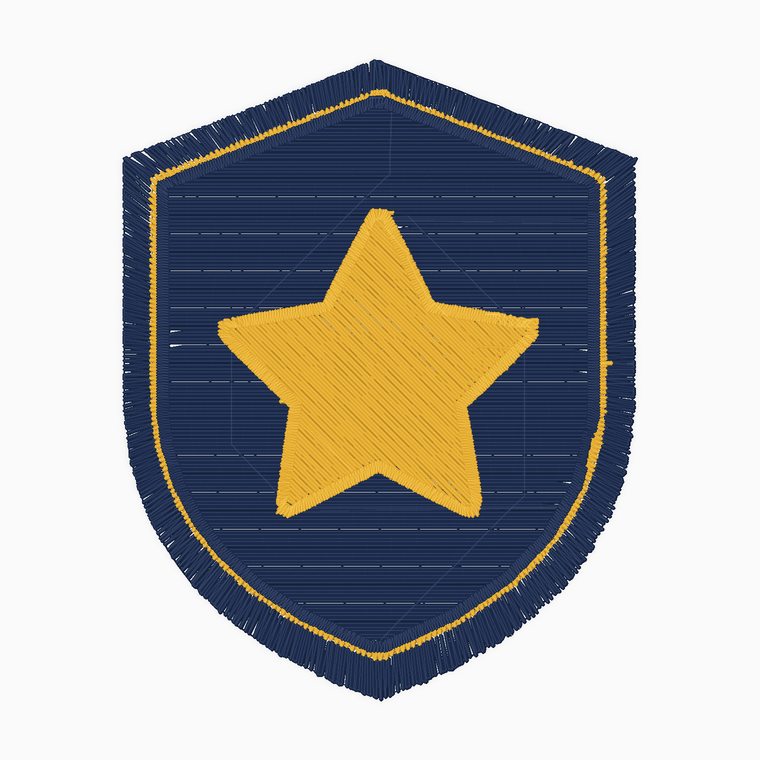
The full detail on placements, sizes and fabric settings is on our workwear and uniform embroidery page.
Files your machines already speak
Every conversion exports DST for Tajima, Barudan, SWF and most other commercial machines, plus PES, JEF, EXP, XXX and VP3 from the same file. If your floor mixes commercial heads with a Brother for samples, one conversion covers both.
Colour handling matters on production runs too: thread shades are detected and carried in the file, near-identical shades can be merged so the machine stops less often, and you can cut the palette in one click when a customer wants a cheaper two-colour version.
Where honesty saves you a garment
Auto-digitizing is at its best on exactly what workwear runs on: logos, lettering and flat artwork. It is not the right tool for photorealistic art or extreme 3D puff. The readiness score and 3D preview show you which category a customer's artwork falls into before anything is stitched, and fine details like taglines under 5mm get flagged so you can fix them at the quote stage, not on a finished jacket. As with any digitized file, sew one sample before you run the whole order.
Common questions
How does the cost compare to a digitizing service?
An outside service typically charges £15 to £40 per logo, per version, with a turnaround of a day or more. Embify plans start at £29 a month for 10 conversions, and a logo you have paid for can be resized or re-exported free for 30 days, so most workwear businesses cover a month of digitizing for less than the cost of one or two outsourced logos.
Is the quality really good enough for paying customers?
For logos, lettering and flat artwork, yes. Files include proper underlay, pathing, and density set per fabric, and the output has been benchmarked against 80 professionally digitized commercial files. The 3D preview and readiness score let you confirm on each specific logo before you commit, and a sample sew-out is still good practice on large orders.
Do my staff need digitizing experience to use it?
No. Upload the artwork, pick the size and fabric, and the engine makes the stitch decisions. If someone can attach a file to an email, they can produce a stitch file.
We run Tajima and Barudan machines. Will the files work?
Yes. Every conversion exports DST, which is what most commercial machines read, alongside PES, JEF, EXP, XXX and VP3 for everything else.
A customer changed their logo after we digitized it. Now what?
Upload the new artwork and preview it free. Downloading the changed logo uses one conversion from your plan, £2.49 to £2.90 depending on the plan, instead of a fresh £15 to £40 digitizing bill. New sizes and formats of a logo you have already paid for are free for 30 days.
Can we try it before putting it into the business?
Yes, two ways. Digitizing and the 3D sew-out preview are free with no card required, so you can test it on real customer logos first. Or book a live demo: a 20 to 30 minute online meeting over Microsoft Teams where we digitize one of your own customer logos in front of you. Create a free account and pick a slot from the booking page.